
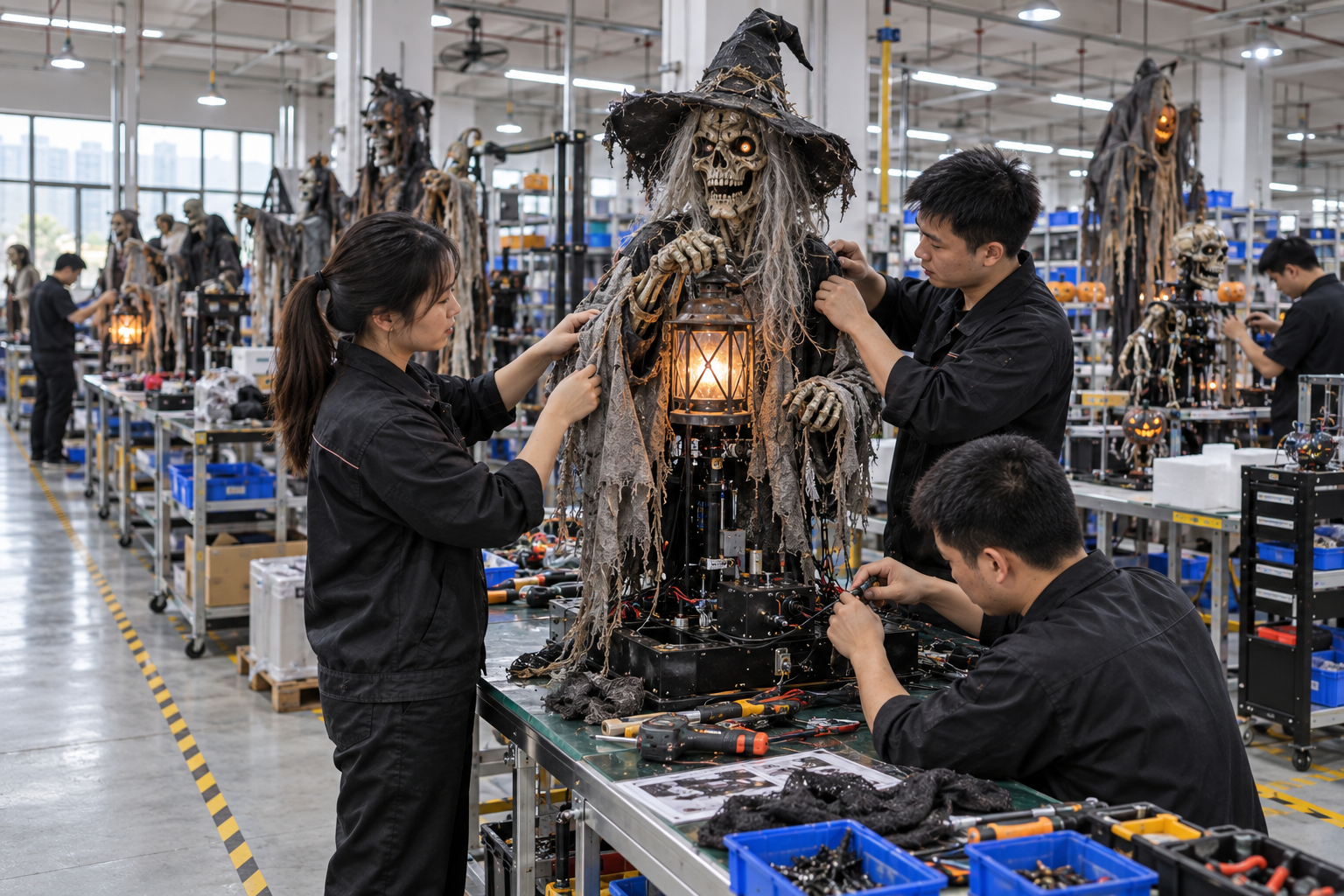
A custom Halloween prop can be manufactured correctly and still reach a buyer with the wrong logo, cropped headline or outdated event date. Artwork mistakes often come from a broken handoff between marketing files and production files. A screenshot may show the intended mood but not the dimensions, typefaces, bleed, colour reference or rights needed to print a panel. The buyer needs a controlled file-to-proof process before the factory commits to materials and tooling.
This guide is for buyers adding branding, graphics or printed components to props and seasonal displays. It is not a printing specification for every method; actual requirements depend on substrate and production process. It also does not assume that customer-supplied artwork is automatically licensed for manufacturing. Confirm rights and approvals for logos, characters and imagery before releasing files.
Separate a creative reference from a production file
A mood board is useful for discussing a haunted carnival theme. It is not a final print file. Ask the buyer's design team for editable or print-ready files in the format the chosen production process requires, plus a reference PDF showing the intended layout. Identify fonts, linked images, colour references, dimensions and whether the file includes bleed or safe areas. The supplier should state its own template after reviewing the actual panel or packaging method.
Record the real physical surface. A flat sign can use one printable rectangle; a curved pumpkin shell, textured coffin lid or segmented arch needs a placement drawing. Identify where fasteners, seams, handles or folds will interrupt the graphic. A logo that looks centered in a two-dimensional file may appear off-center when wrapped around a three-dimensional object. Approve artwork on the actual geometry, not only on a computer screen.
Check resolution at finished size. A small web image enlarged onto a large backdrop may look acceptable on a laptop yet visibly soft at venue distance. The printer or fabricator can identify the needed input quality for its process. Avoid putting an invented universal DPI rule in the purchase order. Specify the finished-viewing requirement and ask for a proof at an appropriate scale.
Establish an artwork manifest
List each file by SKU, graphic surface, version, date, language, destination and approver. Include a thumbnail so production staff can distinguish similar variants. Do not call several files 'final'. A file name such as gate-header-en-us-v03 identifies much more than final_new2.pdf. Archive the superseded version, but keep it out of the current production folder.
Confirm rights, language and destination content
The buyer should confirm that it owns or has permission to use all supplied logos, illustrations, photographs, names and character elements in the intended product and territory. The factory can reproduce approved files; it cannot infer commercial rights from receipt of an attachment. For character or franchise artwork, route the physical proof through the authorized licensing approval process. WIPO's intellectual-property overview is a general reference, not a substitute for legal advice.
Check language and local-market content before printing. Event dates, web addresses, retailer names and safety wording may differ by destination. The buyer's content owner should proofread them; a factory should not be expected to translate a campaign slogan or choose regulated label wording. If a product is sold into several markets, treat each language or label variant as a controlled SKU or artwork revision.
Separate decorative graphics from mandatory product information. A visually pleasing label may still omit data required by the destination market or trading partner. The importer and compliance team should identify such requirements and provide approved text. This guide does not claim a universal Halloween-decoration labeling rule.
Approve colour on a physical proof
Screens vary; a colour that looks warm orange on one monitor can print dull red on a textured substrate. Ask for a physical colour or material proof when the exact brand tone matters. Identify the lighting under which it is evaluated, especially if the prop will be seen under coloured attraction lighting. A neutral-light proof is valuable for production control, while a scene-light trial checks the actual experience.
Set an acceptable range if the process has natural variation. A fabric print, painted shell and vinyl graphic may not be visually identical under every light. Decide which surfaces must match closely and which can differ without compromising the intended brand presentation. Record the approved panel or swatch so later production and shipment inspection have a reference.
For illuminated signs, evaluate both lit and unlit appearance. Backlighting can reveal seams or change saturation. The buyer should approve how the physical product looks when powered off as well as in the hero photograph. If a display uses separate LED components, state whether the light is included in the order and who controls installation.
Run a proof path with explicit gates
An effective sequence is: dimensions and template confirmed; buyer supplies rights-cleared files; supplier prepares a digital placement proof; buyer checks content and geometry; supplier produces a physical sample or targeted material proof; buyer signs off; production begins. The exact gates can be adjusted to the order, but skipping from screenshot to mass production transfers avoidable ambiguity into hundreds of units.
Every approval should identify the file version and physical sample version. 'Looks good' in an unthreaded chat is poor evidence if three variants were being discussed. Use a short sign-off statement naming the SKU, artwork file, substrate, colour reference and any remaining exceptions. If a buyer approves with conditions, write what must change and who will verify it before production.
Late artwork changes have knock-on effects. A longer headline may require a different sign size; a new logo placement may conflict with a fastener; a heavier printed panel may alter packing. The buyer should review cost, tooling and timing before issuing the new version. Keep production from using a mix of old and new files by withdrawing the superseded package.
Connect graphics to the product and packing revision
The printed item is part of the sellable configuration. A branded coffin lid may be packed separately from the body to avoid abrasion. A retail carton may carry the same campaign art but a different technical label. Document which graphics appear on product, on packaging and in digital assets. Each may need a different proof but should tell the same product story.
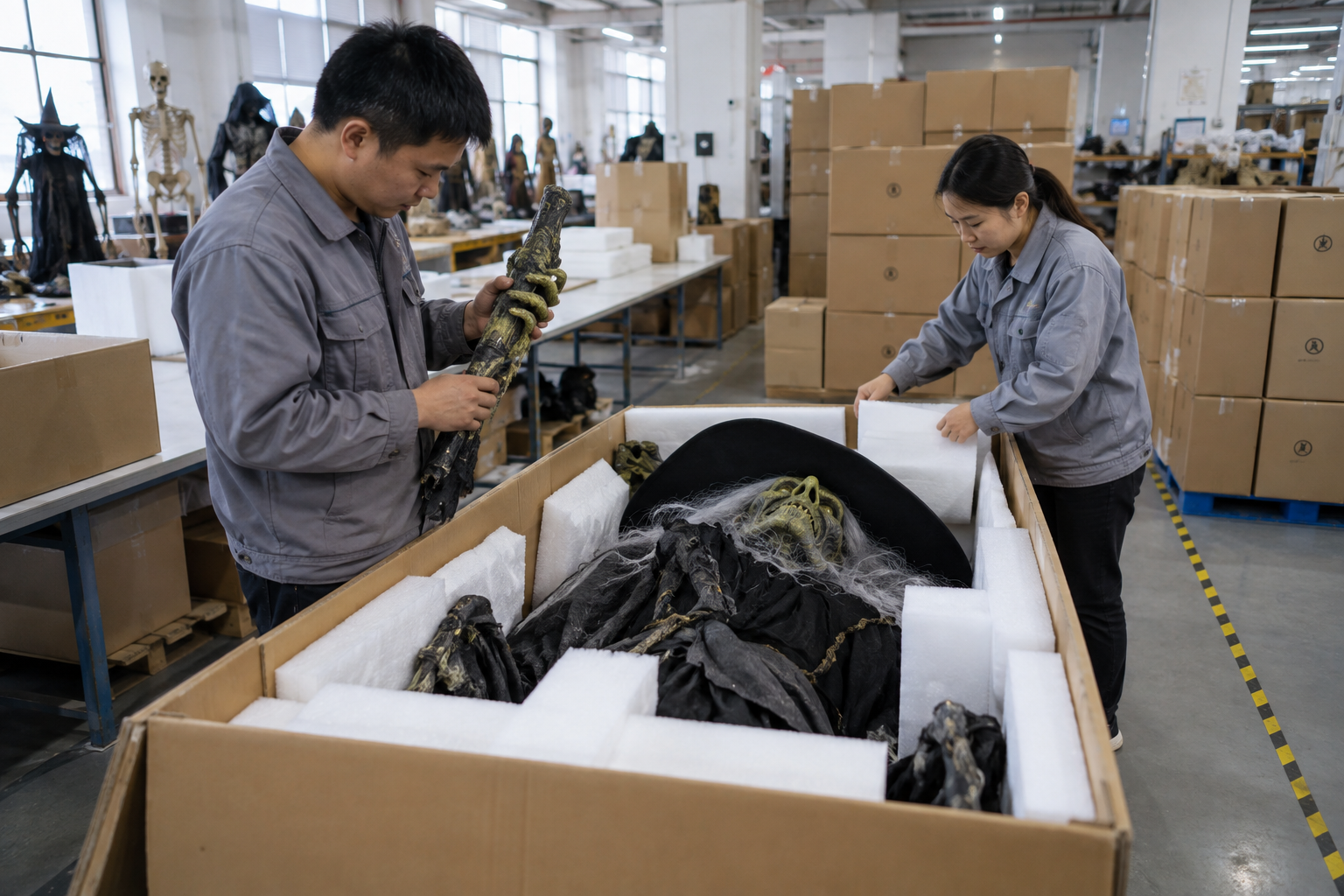
At factory testing, inspect the physical placement and finish on an assembled sample. At shipment inspection, compare selected units with the approved artwork and panel proof, including variant language, orientation and damage from packing. A correct print installed upside down or rubbed during transport is not a successful artwork handoff. The custom project page can start the conversation, but the proof record belongs to the actual order.
If the customer plans to use the prop for several seasons, consider whether the printed panel can be changed without destroying the main structure. A removable campaign sign may be a better commercial choice than permanently printing one year's date on an expensive reusable figure. Specify replacement access and panel identity before production, not after the first season.
Decision example: two similar event dates
Imagine a fictional distributor commissioning the same haunted gate for two venues. One event opens on October 10 and the other on October 17. The design team sends files named halloween-gate-final.pdf and halloween-gate-final-new.pdf. The factory prints both, but the wrong date is packed for one site. This is a hypothetical process failure, not a BooAri customer case.
A better manifest assigns each venue a SKU or controlled variant, proof thumbnail, date, destination and carton label. The supplier checks the printed panel against that manifest before packing. The receiving venue can identify its version without opening every crate. The improvement is not a more beautiful logo; it is an unambiguous relationship between file, product and shipment.
If the date changes late, the buyer issues a revision and decides whether existing panels can be reworked. The supplier should not silently print a mix of versions in order to save time. A short pause for a clear change record can prevent an unusable display from arriving at the venue.
Buyer worksheet: the artwork packet
Create a packet with a cover sheet, physical panel drawing, production file, low-resolution visual reference, rights confirmation, required languages, colour or material reference and approval contacts. Specify whether the artwork will appear on the product, carton or both. Add a file manifest and clear version naming. A person who did not attend the design call should still be able to select the correct file.
Ask the supplier to return a proof that shows the graphic on the intended product geometry with measurements and manufacturing limitations noted. The buyer's marketing owner checks copy and brand; the product owner checks fit and visual effect; the importer or compliance owner checks any required market wording. Record their approvals separately if they own different decisions.
After sample approval, retain the signed proof and photograph a production unit next to it. At shipment inspection, check the relevant variants and packing labels. Archive the final production file for repeat orders, with a note of any issue discovered during installation. This makes future artwork changes deliberate rather than a hunt through old email attachments.
Inspect the first production proof as a complete object
Do not approve a detached printed swatch and assume it will look the same after mounting. Put the proof on the actual panel or a dimensionally representative sample. Check alignment around corners, access hatches and hardware. Inspect from the visitor position as well as close range. A large stylized letter may look centered on a flat file yet appear pulled to one side when the panel curves. Record any placement adjustment on the approved drawing.
For a set of signs or props, lay them out together. The buyer may approve each graphic separately while missing a set-level inconsistency in colour, scale or terminology. A haunted entrance, photo-zone panel and retail counter display should share the intended brand system, even if they use different substrates. Compare under the lighting they will actually receive. Keep one physical reference for each material process rather than assuming identical colour across paint, vinyl and fabric.
At packing, protect the graphic face. A correctly printed panel can arrive scratched if a hard accessory is placed against it. Ask for a packing photograph that shows the face protection and the carton identifier linked to the artwork variant. Shipment inspection should check both print accuracy and surface condition. The receiving team should know whether any protective film must be removed before public use and how to remove it without damaging the finish.
For repeat orders, check dates and URLs in every archived file before reprinting. Seasonal graphics are unusually likely to contain time-sensitive information. A 'repeat exactly' instruction may faithfully reproduce the wrong year. Treat the approved artwork as a controlled baseline, then run a current-content check even when the physical prop remains unchanged. That small step prevents a technically perfect reorder from becoming a visibly outdated display.
Questions for the first physical print proof
Does the graphic align when the panel is installed on the actual prop? Are all dates, web addresses, languages and logos current? What will the surface look like under scene light and after packing? The buyer should review a real proof from the intended process, not only a file opened on one monitor.
If the panel is replaceable, identify its dimensions and attachment revision. If it is permanent, consider whether the campaign content will become obsolete before the prop does. A small decision about replaceability can preserve a costly scenic structure across several seasons. Keep the approved file and proof in one controlled packet for the next reorder.
Build a proof checklist for every variant
If a branded prop has several languages, dates or retailer logos, give each combination its own controlled line. A single master file cannot represent differences that change the physical print. At approval, compare the proof to the commercial order and destination, not only to the designer's latest email. When cartons are packed, match the printed variant with its shipping label. This short reconciliation is often the last practical chance to catch a correct print sent to the wrong site.
Frequently asked questions
Can I send a screenshot for a custom logo prop?
Use it as a concept reference, not the sole production file. The supplier needs confirmed dimensions, usable artwork, rights and an approved placement proof. A screenshot often lacks enough detail for repeatable printing.
Who should proofread dates and translated copy?
The buyer's authorized content or market team should approve them. The factory can check that production matches the approved file, but should not invent or validate campaign language on the buyer's behalf.
Is a digital proof enough for colour approval?
It may establish placement and copy. If exact colour, texture or lighting response matters, request a physical material proof under agreed review conditions. Screens alone cannot reliably represent every substrate.
What if artwork changes after sample approval?
Issue a new version, identify affected products and packs, and agree the cost, timing and new proof gate. Remove the superseded file from active production instructions. Do not rely on an informal 'use the newer one' message.
Can branded artwork be reused in the supplier's portfolio?
Only if the customer and rights holder permit it. Permission to manufacture does not automatically include permission to publish logos, characters or customer-site images.
Conclusion
Custom Halloween artwork succeeds when files, geometry, rights, colour and approval are connected in one controlled packet. The buyer should approve what will be manufactured, not only how a graphic looks on a screen. A clear proof path reduces wrong variants, rework and late-season surprises.
Send your rights-cleared artwork references, target size, quantity and destination through BooAri's enquiry form. Ask for a placement template and proof sequence before releasing final print files.
Further reading
Use these external resources alongside your local market, venue and professional safety requirements:
READY TO START A PROJECT?