
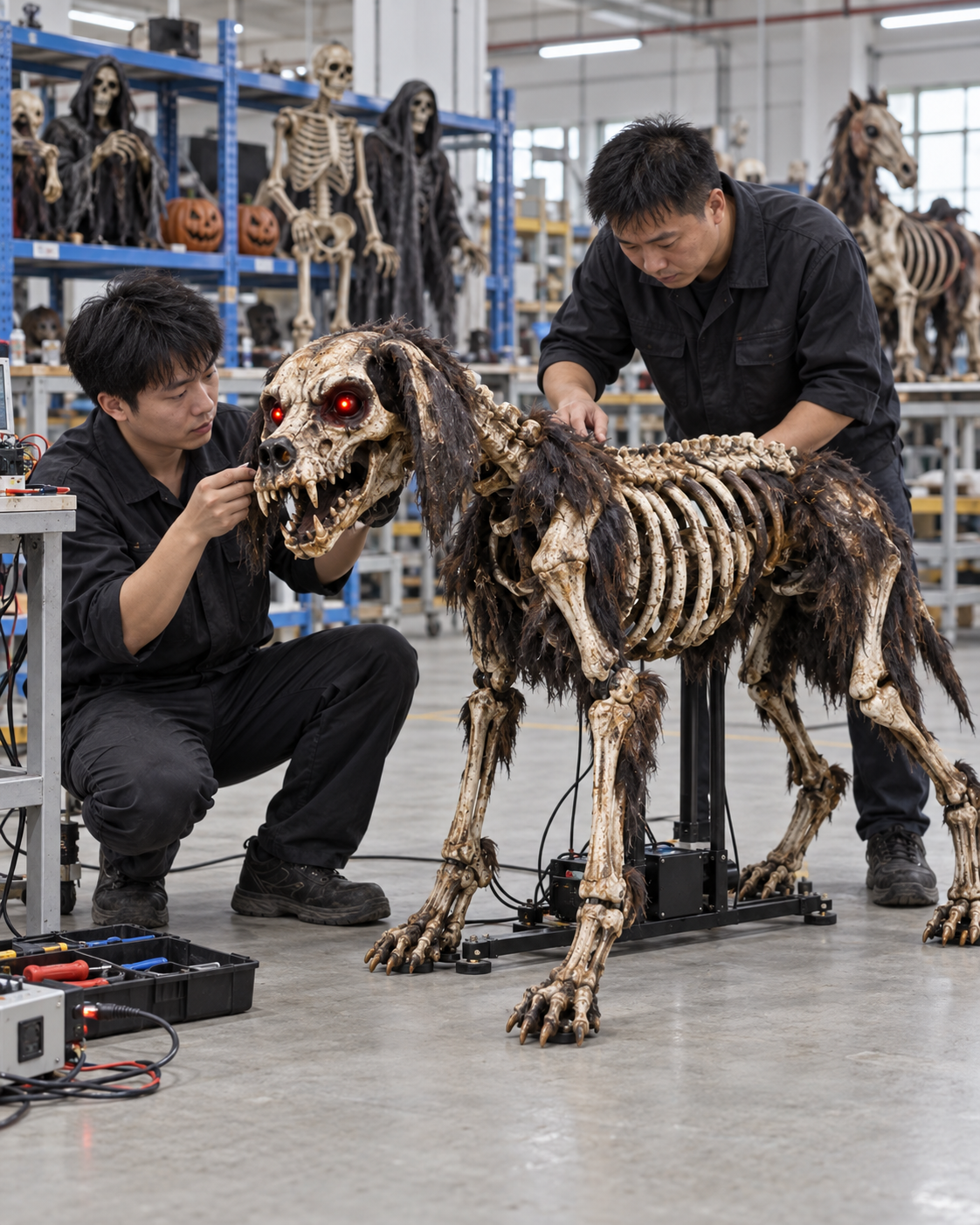
Remote approval is common when an overseas buyer cannot stand beside a Halloween prop sample in the factory. A video can show more than a still photograph, but only if the buyer defines what must be visible and how the recording links to the actual unit. A dramatic edit with close-ups may be persuasive marketing; it is weak acceptance evidence when it omits the back, base, measurements or the full return of an animatronic.
This guide explains how to request factory video for a custom prop, a revised sample or a shipment inspection. The method is a proposed buyer workflow, not a claim about an actual BooAri customer. It works best when the video is one element of a written specification, measured drawing, identified sample and clear approval authority.
Identify the unit and the question before recording
Ask the factory to begin by showing the product identifier, revision and date alongside the physical item. The buyer should know whether it is looking at a prototype, retained sample or randomly selected production unit. If several similar witches are on a bench, the recording should make clear which one will be measured and tested. Without identity, a successful clip cannot be connected to the shipment.
Write one acceptance question per segment. For example: Does the base match the approved footprint? Are both hands finished? Does the trigger start one complete cycle? Is the costume packed separately? A single long handheld walkaround can be helpful, but it should not replace a planned shot list. Send the shot list before the recording appointment so the required tools and staff are ready.
Agree the filming environment. Neutral light helps evaluate physical colour and finish, while representative scene light shows the intended effect. Keep camera exposure reasonably consistent when comparing two versions. A change of phone, white balance or lighting can make the same paint look different. Remote colour approval may still require a physical swatch when the exact tone matters commercially.
Use an evidence cover sheet
Record order number, product revision, unit identifier, location, date, test settings, presenter and files delivered. A short cover sheet lets a buyer, quality reviewer and later installer interpret the same footage. Store the source recording rather than only a compressed social-media edit. Do not rely on a chat thread as the only archive of the approved version.
Film geometry and construction in a repeatable order
Begin with a wide view showing the assembled prop and surroundings. Then show front, left, rear, right, top where accessible and base. Walk slowly enough for the buyer to inspect proportions and joining points. Add close-ups of focal details, but return to a wide view so their location is obvious. If a back is not finished because the product is designed for wall placement, show it openly and cite the approved specification.
Measure height, width, depth and base footprint from named points. Hold the measuring tool where the numbers can be read, and avoid angling the camera so the dimension appears shorter. For an irregular prop, show the maximum protrusion in the pose used for installation. State whether the displayed measurement is installed or packed. A video of a worker standing beside the product provides scale impressions, not contractual dimensions.
If the product is modular, show the joint, connector and part label. A completed appearance shot does not reveal whether the destination team can assemble the unit. Ask the factory to demonstrate an agreed assembly step using the intended tools and instructions. Hidden preparatory work should be disclosed rather than cut away. That is particularly important when quotation value depends on a promised knock-down shipping format.
Record the full function, not only the highlight
For an animated character, show the rest state, trigger method, complete movement, sound or lighting sequence, return and reset. Keep the camera on the unit through the whole sequence and state the controller settings. If an operator adjusts a control between attempts, the recording should say so. A stitched highlight reel can make an incomplete return look like a smooth cycle.
Repeat the test in the way the buyer's application requires. A free-flow attraction may need to know what happens when a second trigger arrives during reset; a guided show may have a human-controlled start. The supplier should demonstrate only supported operating conditions. Do not infer outdoor suitability, electrical compliance or unlimited running time from a successful indoor clip. Local site commissioning remains a separate gate.
For a static prop, the relevant function may be stability in the agreed assembly state, lighting operation, accessory fit or opening of a service panel. The product application determines the test. If a close-contact display is expected, show reachable surfaces and where staff will access the unit for cleaning. Remote approval should not be limited to products with motors.
Combine the video with stills and written data
Still photographs are useful for comparing a fixed detail, while video is better for movement and assembly. Ask for both when the decision needs both. A measurement table, bill of components and packing list should travel with the files. A video cannot prove carton count if packing takes place later. Likewise, a still photograph of a sealed carton cannot prove how fragile pieces are supported inside.
Include the approved sample or drawing in a side-by-side review when possible. The buyer should be able to identify what changed from the last version. If a revision is under discussion, label the current recording 'proposal' rather than 'approved' until the responsible person signs off. This prevents a later quality team from treating a review clip as permission to produce a changed design.
The custom project workflow gives a starting point for discussing product references and approvals. A buyer can request the specific views and tests needed for the order. The broader CPSC manufacturing guidance reinforces the value of controlled records, but a video is not regulatory certification or proof of every production unit.
Use remote calls carefully
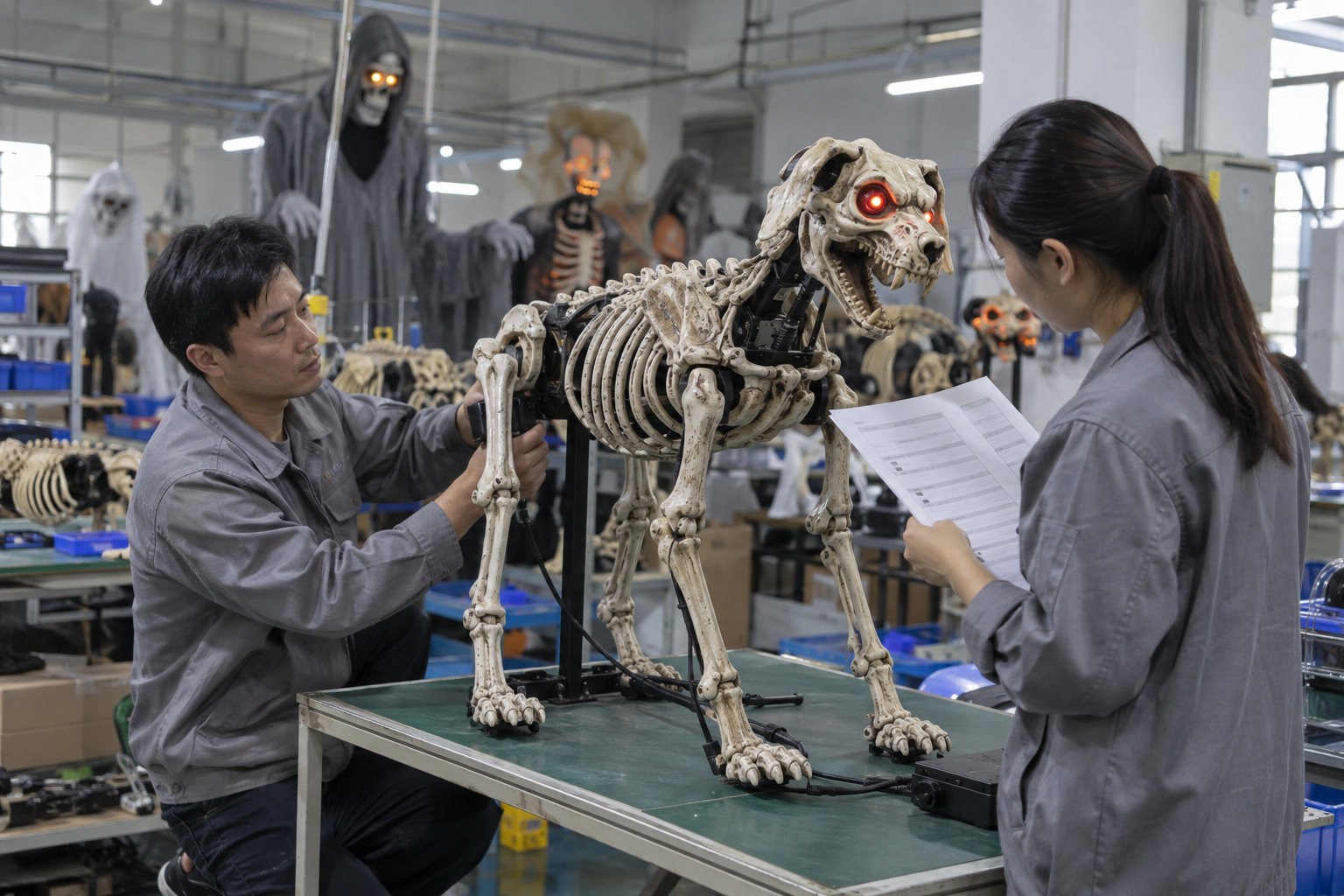
A live video call lets the buyer ask follow-up questions and choose a view that was not on the shot list. It can be particularly useful for the first sample. However, live streaming quality may hide detail, and a poor connection can interrupt a function demonstration. Request a local source recording of the same session or a clearly identified follow-up clip. Write the final decision after the call so informal comments do not become ambiguous approval.
Have the correct people present. A designer may judge appearance, an engineer or technician may explain the controller, and a quality lead may identify production and packing status. One presenter need not answer every question from memory. If a question cannot be answered, put it on the open-items list with an owner and due date instead of filling the silence with a guess.
The buyer should distinguish approval from observation. 'The face looks closer' is not the same as 'Approved revision B for production.' Make final acceptance explicit by product revision and list any conditions, such as a pending power label or revised carton insert. If a condition affects safety, compliance or core function, do not authorize bulk production as though it were a minor cosmetic item.
Decision example: one edited clip and one continuous test
Imagine a fictional importer reviewing a skeletal dog animatronic. The first clip shows a dramatic lunge and glowing eyes in ten seconds. It does not show the dog returning to rest, the controller or the full body. The buyer requests a continuous wide shot of two supported cycles, a close view of the base and a clear image of the approved costume detail. The second recording reveals that a cable snags during the return. This is an imagined example, not a BooAri incident.
The supplier resolves the cable route on the sample, identifies the revised harness and records another complete test. The buyer approves that revision in writing. During shipment inspection, selected production units are tested under the same conditions. The value of remote video is not that it replaces every in-person check; it makes a specific decision and its evidence repeatable.
If the buyer had approved only the edited highlight, both sides might honestly disagree about whether the return was ever accepted. A shot list and revision record prevent that confusion without requiring expensive filming equipment.
Buyer worksheet: an efficient recording request
Send a one-page request with the product revision, questions to answer and required shots. Include full-item views, critical detail views, named dimensions, function sequence, assembly step and packing step as relevant. Say whether neutral and scene lighting are both needed. Ask for the raw file, photographs and measurement record with filenames that include the SKU and revision.
Set conditions for acceptance. Is the video sufficient for a visual decision, or is a physical sample still required? Who can approve a variation? What would trigger a repeat recording? For a shipment check, specify whether the presented unit should be inspector-selected from the finished lot. A pristine hand-selected prototype is not representative shipment evidence.
Finally, archive the approval email or signed record with the files. The receiving and installation teams may later need to know what pose, function or accessory arrangement was accepted. A short, organized evidence package is more useful than dozens of unlabelled clips in a messaging app.
Build an approval package that survives a handoff
Remote review often passes through several people. A creative director may approve the face, an engineer the movement, and a purchasing manager the cost. If one person says 'approved' after watching only the face clip, the production team may mistakenly believe all open issues are closed. Divide the sign-off into appearance, dimensions, function, accessories and packing. Give each line an approver and evidence file. Mark items not tested as pending rather than silently accepted.
Consider the moment a buyer replaces its project manager. The new person should be able to open one folder and see the current sample revision, the source video, a list of remaining questions and the final approval record. They should not need to scroll through months of chat to discover whether a costume adjustment was required. Use file names that preserve date and revision, and keep a brief change log explaining what differs from the prior clip.
When recording shipment inspection, ask for a wide shot of the selected units before close detail, so the buyer can see the selection context. A clip of one beautifully operating unit is useful but does not show how it was chosen from the lot. If an independent inspector is involved, the report should identify the selection method separately from the supplier's presentation video. Keep these evidentiary roles distinct.
An unresolved issue can be managed without pretending it vanished. For example, the buyer may approve a sculpted face but hold production until the controller reset is demonstrated. State that limited approval in writing. If a video file cannot show a colour accurately, obtain a physical swatch. If the pack is not yet built, do not approve it by inference from a finished prop. Remote approval becomes trustworthy when each decision is no broader than its evidence.
Questions for a remote sign-off call
Before the call, send the presenter the list of dimensions, views and functions that matter. During the call, ask them to show the identifier and current revision before focusing on details. Request a complete uninterrupted movement cycle and a wide view after any adjustment. Confirm whether the demonstrated power and controller settings match the quotation.
Afterward, write a decision with three columns: approved, pending and rejected. Attach the source files by name. If colour cannot be judged reliably on screen, reserve that item for a physical swatch. If packing has not been demonstrated, leave it pending. A remote review is strongest when the written sign-off is narrower than the evidence, never broader.
Define when remote evidence is insufficient
Agree in advance which decision cannot be made from footage alone. Exact surface feel, subtle colour and weight distribution may require a physical sample or independent inspection. The buyer should not be pressured to call a clip a final approval simply because a production slot is waiting. A limited approval can release unrelated work while the unresolved feature remains on hold. State the remaining evidence, owner and due date so the delay is deliberate rather than ambiguous.
Frequently asked questions
Can a factory video replace a physical sample?
Sometimes it can support a limited decision, especially about movement or assembly. It may not resolve exact colour, surface texture or material feel. Decide that limitation before approval and request a physical sample where those characteristics are critical.
Should the video be one continuous take?
Use a continuous take for a function cycle or process where cuts could hide a problem. Separate labelled shots are fine for dimensions and details. Preserve raw footage so the buyer can interpret edits correctly.
What must be visible for an animatronic?
Show identity, setup, trigger, complete action, return, reset and any sound or lighting that is part of the approved configuration. State controller settings and disclose adjustments or interruptions.
How should packing be documented?
Show the identified components, protective position, accessories and final shipping unit. Pair the footage with the measured packing list and approved carton revision. A packing clip alone does not certify the package for transit.
Conclusion
Remote Halloween prop approval succeeds when the video is designed around a decision: identify the item, show the full relevant action, pair the recording with measurements and written references, and capture the final sign-off. It is evidence within a controlled approval process, not a substitute for product specification, inspection or destination commissioning.
Send your shot-list priorities, product references and delivery window to BooAri's project enquiry. Ask for a remote approval package that your design, quality and installation teams can all use.
Further reading
Use these external resources alongside your local market, venue and professional safety requirements:
READY TO START A PROJECT?