
Halloween prop audio zoning starts with the listener, not the loudspeaker catalogue. A character voice, background ambience and a sudden effect have different jobs. Buying a larger speaker does not resolve an unclear scene boundary or a soundtrack that repeatedly interrupts staff instructions.
For commercial buyers, the useful question is: what should visitors hear here, what should they hear in the next area, and who can change it during operation? The answer determines whether audio belongs inside the prop, in a separate local system or in the venue's show-control infrastructure.
This guide explains how to prepare an audio brief, compare supplier demonstrations and approve a practical installation. It offers purchasing and commissioning questions rather than a universal sound-level prescription. Venue rules, audience needs and competent audio and safety assessment remain part of the project.
Assign a purpose to every sound
Start with an audio schedule containing one row per scene. Record the intended source, listening position, action and duration. Distinguish continuous atmosphere from triggered dialogue and short effects. These categories should not be bundled into one vague requirement such as scary sound included.
A continuous wind loop may establish the setting without demanding attention. A character explaining a story needs intelligible speech at the place visitors actually stop. A brief synchronized sound may reinforce a movement. If the same speaker is expected to perform all three jobs, ask how the system changes between them.
Define priorities where sounds overlap. For example, dialogue might temporarily reduce local ambience, while an operator announcement takes precedence over entertainment. The venue's integrator should determine how any connection to operational announcements is implemented; a prop supplier should not assume control of building systems.
Record whether visitors are expected to listen, walk past or pose for photographs. A soundtrack that works for a seated audience may be missed by moving groups. This activity definition is more useful to a supplier than an arbitrary amplifier rating without context.
Map listening positions and unwanted spill
Mark the intended audience area on a simple plan. Include the closest and furthest likely positions, nearby queues, staff stations and neighbouring tenants. Show partitions, open ceilings and doorways. Their acoustic effect requires site assessment, but their presence already improves the procurement brief.
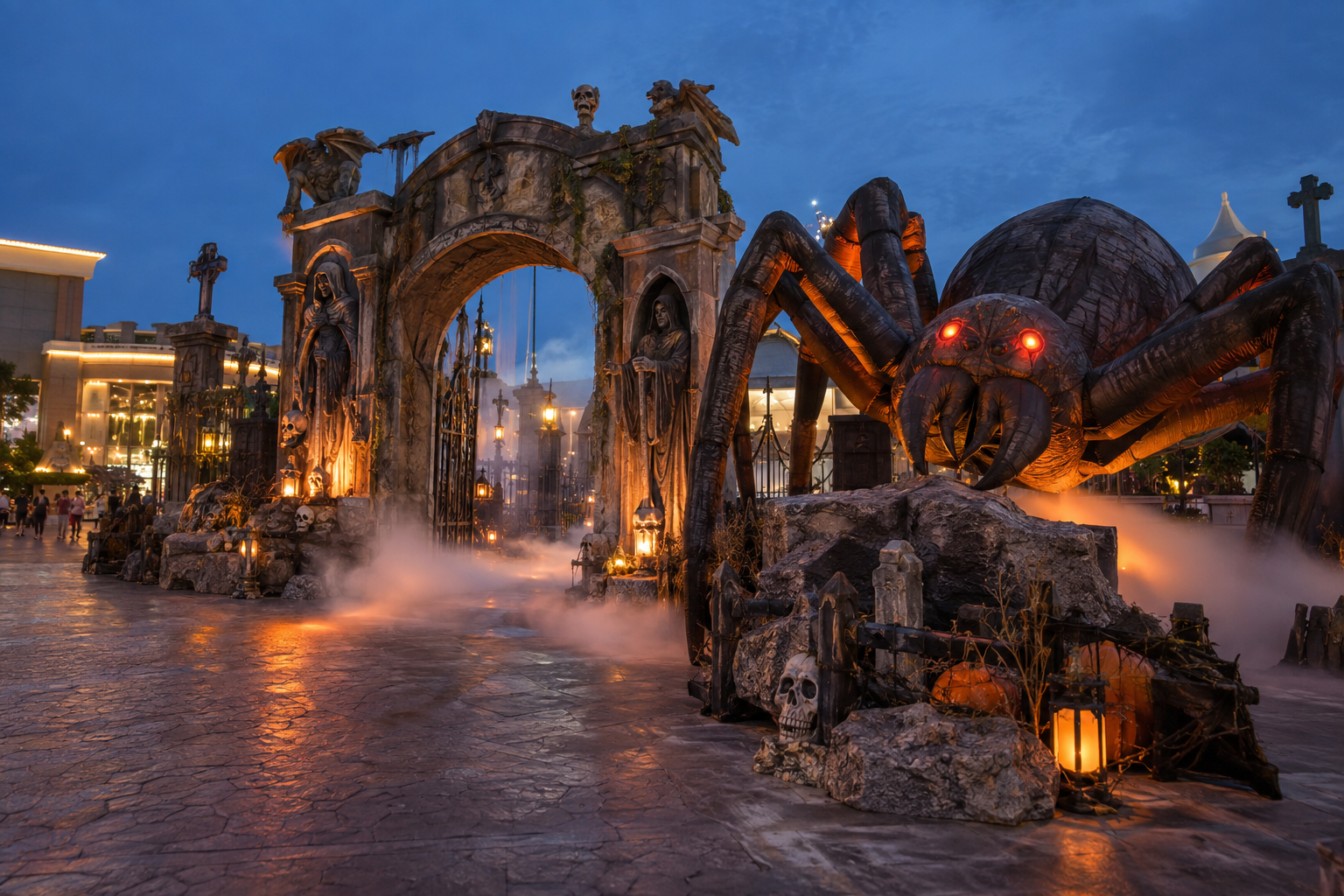
Haunted scene audio bleed means sound intended for one area remains prominent elsewhere. It can spoil a reveal, compete with another voice or become repetitive for staff. Evaluate boundaries during a walkthrough rather than judging only at the speaker. A visitor should not need to stand in an undocumented sweet spot to understand the story.
Ask the audio contractor to compare placement and coverage before simply increasing level. Shure's loudspeaker-placement guidance discusses coverage and listener position in meeting spaces. The context differs from a haunt, but it usefully illustrates why placement is a design decision, not just a free corner on the plan.
Do not translate guidance for one room into a guaranteed result for another. Hard scenic surfaces, visitors and open passages can change the listening experience. The buyer's approval should identify the actual configuration and what remains to be checked on site.
Decide whether sound belongs in the prop
An integrated speaker can keep the apparent source close to a character. It may also simplify a small standalone display. However, access for volume adjustment, file replacement and servicing still matters. A speaker hidden behind a thick costume should be evaluated in the finished prop rather than as a bare component.
A separate speaker offers placement flexibility and may suit scenes requiring more control. It creates additional equipment, cable routing and responsibility boundaries. Ask who supplies the playback device, amplification, mounting, cables and protective arrangement appropriate to the installation.
For several characters, decide whether each plays independently or a central system owns the sequence. Independent devices can drift or overlap when triggered separately. Central playback may offer coordination but increases commissioning requirements. The right choice depends on the scene and staff capability, not on a blanket preference for one architecture.
The quotation should state exactly what audio equipment is included. Sound file included is not equivalent to a complete operational system. Ask for the connection diagram and a list of anything the venue must provide before shipment approval.
Specify loop and trigger behaviour
A Halloween animatronic sound loop needs a defined start, end and repeat rule. Ask whether a file starts from the beginning after each trigger, resumes a paused position or continues independently. These behaviours produce different visitor experiences even when the audio file is identical.
The soundtrack should fit the visible action and the group's time in front of the prop. A long introductory pause may leave the key moment playing after visitors have moved on. A short loop may become conspicuously repetitive in a slow queue. Review timing alongside animatronic cycle and reset planning.
Consider what happens when the trigger arrives while sound is playing. Does the controller ignore it, restart the file or queue another playback? Confirm whether the audio and movement follow the same rule. Restarting only one part can break the intended synchronization.
Ask for a demonstration including approach, full playback, return and a second activation. One dramatic edited clip does not establish repeat behaviour. Include periods with no trigger so buyers can hear the resting state and any unintended background noise.
Prepare files as controlled project assets
Identify each approved file with a revision and intended scene. Confirm formats supported by the actual playback equipment, file naming conventions, storage method and the replacement procedure. Keep usage rights documented; obtaining hardware does not automatically provide permission to use commercial music or third-party recordings.
Make adjustment practical for operators
Halloween prop volume adjustment should be possible for the authorized operator without dismantling the scene or exposing visitors to equipment. Decide whether controls are on the prop, in a locked technical area or in show-control software. Accessibility to staff is different from accessibility to visitors.
Document a reference setting and a recovery method. A knob position alone may be hard to reproduce if several gain stages exist. An audio specialist can record relevant equipment settings and the conditions used for approval. Operators should know which adjustments are allowed and which require technical review.
Do not publish one supposedly safe level for every Halloween venue. Sound exposure, audience sensitivity, staff duration and local requirements must be assessed by the responsible professionals. A procurement guide can ask for assessment and adjustable capability without pretending to replace that work.
Plan an immediate way to stop the entertainment audio when required. Confirm how operators identify the correct control and whether it affects only the scene or several zones. Avoid instructions that encourage improvised changes to venue safety or announcement systems.
Run a representative listening trial
Factory testing can establish playback, adjustment and agreed synchronization with the identified prop. It cannot reproduce every installation acoustic condition. Separate factory acceptance from site listening approval so neither party assumes the other has completed it.
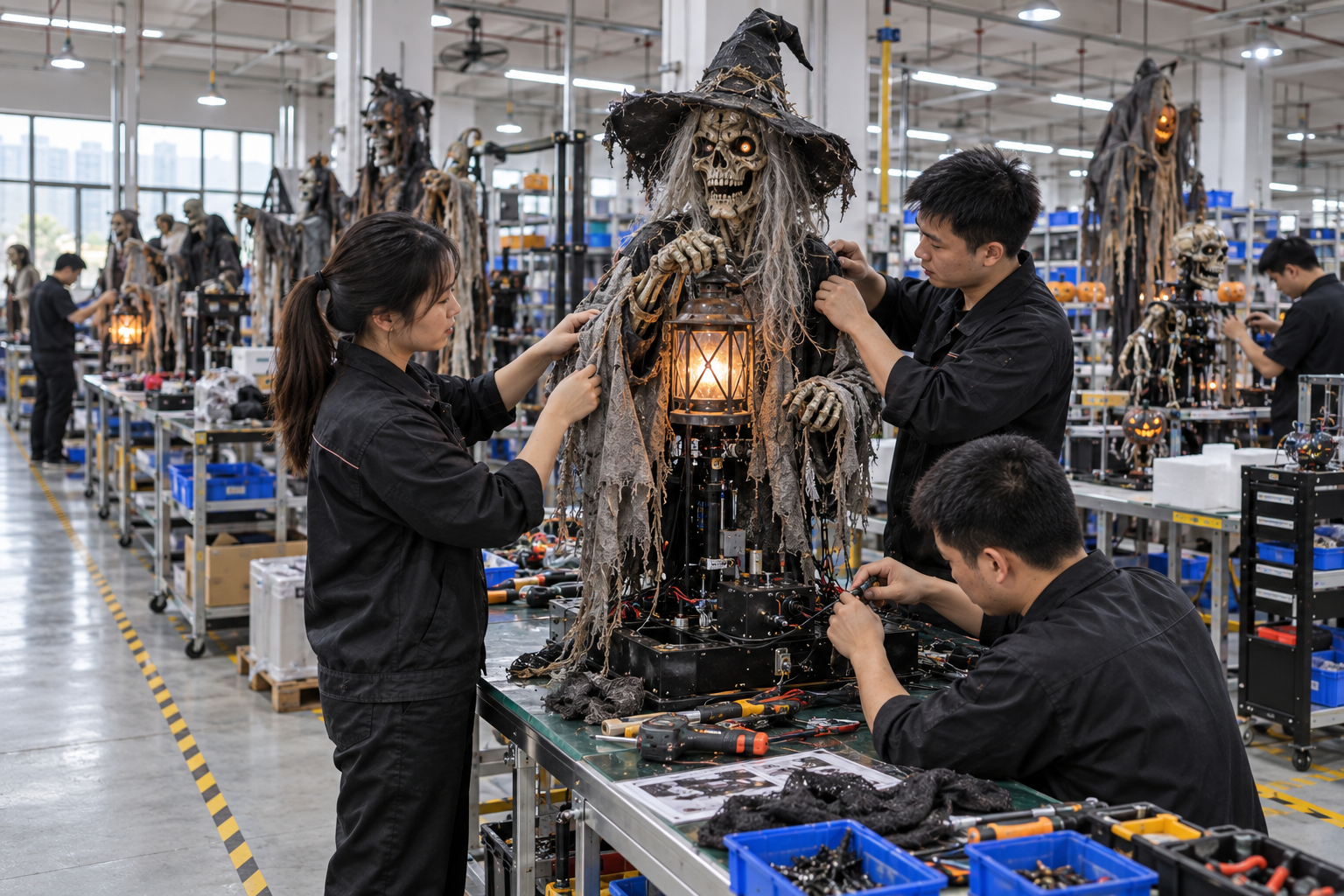
For a factory recording, request the finished costume and intended speaker placement, an uninterrupted cycle and a spoken explanation of the equipment used. A camera microphone can change perceived loudness and tone. Treat recorded sound as evidence of sequence and operation, not a calibrated representation of what visitors will hear.
At installation preparation, walk the route while neighbouring scenes operate. Listen where groups gather, where staff talk and where the sound should no longer dominate. Repeat with likely operating conditions rather than approving the system only in an empty building with every other effect turned off.
Record observations as specific actions: dialogue obscured at the rear position; trigger restarts the last sentence; queue hears the reveal too early. These notes can lead to placement, timing or content changes. Loud and weak are less useful unless accompanied by the location and operating state.
Compare quotations on complete scope
Ask each supplier to respond to the same Halloween attraction audio specification. Include scene count, playback ownership, visitor route, content responsibility, adjustment access and the expected demonstration. Separate equipment supply from design, programming and commissioning.
Check ongoing support. Can the venue replace a soundtrack itself? Is a proprietary tool required? Does changing the audio file affect timing? Who retains the project file and the original assets? These details influence seasonal flexibility and should be addressed before approving a system.
Consider the effect of an audio failure on the overall scene. A photo display may still work visually, while story-based interaction may become confusing. Ask for an operating fallback appropriate to the project rather than treating every fault as the same commercial consequence.
Use BooAri's custom-project enquiry to describe the scene and request a scoped proposal. Include the venue's audio contractor where applicable. This keeps product supply aligned with installation responsibility instead of expecting a factory catalogue to define the entire sound system.
Example: two adjacent scenes and a queue
Imagine a hypothetical venue with a talking witch beside a pumpkin photo area. The witch delivers a short story, the pumpkins play a continuous ambience, and the queue passes both. No particular speaker power or sound level is assumed in this example.
The purchasing team initially asks for sound on both products. A better brief states that the witch's speech should be understood at its stopping position, the pumpkin track should not obscure speech there, and staff should still communicate with waiting groups. It also records who can pause each source.
During mock installation, the team discovers the pumpkin soundtrack has a repeated high-attention phrase. Lowering it may help, but changing the content to a less intrusive ambience may be more effective. That is an editorial choice, not a hardware fault. The approved soundtrack revision is added to the scene record.
Next, a second trigger restarts the witch before the first group hears the ending. The controller configuration and arrival timing must be reviewed together. Simply ordering a more powerful speaker would solve neither problem. The team updates the reset rule and repeats the walkthrough.
The acceptance sheet lists the two approved files, controller settings, speaker positions and observations at the queue. It also distinguishes factory-proven playback from site-approved coverage. This modest documentation creates a repeatable starting point for the next season.
Build an audio handoff sheet
Give operators a scene map, equipment list, approved track revisions, normal settings and stop procedure. Include a contact route for technical support and identify where spare playback media or backed-up files are stored. Keep credentials and configuration backups accessible only to authorized staff.
The handoff should explain normal behaviour as well as fault reporting. For example, a trigger ignored during a cycle may be intentional. An operator who understands this is less likely to repeatedly change settings in an attempt to fix expected behaviour.
At the end of the season, record any adjustments made on site. A future reinstall using only the original factory setting may lose useful commissioning work. Store the updated map with the physical product inventory and the rebuild documentation.
Before shipment inspection, confirm that relevant sound files, instructions and included equipment are actually part of the order. A video approval is not enough if the production units ship without the agreed media or a necessary adapter.
Buyer worksheet: walk the soundtrack boundaries
Create a listening plan with marked positions: primary scene, queue, adjacent attraction, staff station and any public area outside the intended zone. For each position, record whether dialogue must be understood, ambience merely noticed or the effect should be unobtrusive. Then test the proposed tracks at the positions while other planned sounds operate. A playback demonstration in a silent factory is useful for timing, but cannot establish how the installed venue will sound.
Ask for control ownership and file identity. The supplier may provide a speaker, playback device and soundtrack, or only a sound-ready prop. Record what is included, who has rights to use the material and who can replace or adjust it. A seemingly complete sound effect can fail at opening if the venue lacks the right cable, supported format or access to the approved file. Keep the final audio revision with the scene's technical record.
Review repetition from the staff perspective. A short spoken phrase that visitors hear once may play many times beside an attendant. Document when it starts, whether it restarts during playback and whether a supported quiet or pause control exists. Avoid a universal loudness figure; the venue's competent personnel should assess exposure and operational communication under its own conditions. Shure's speaker-placement guidance is a reminder that coverage depends on placement and listener position, though it addresses a different use case.
The acceptance record should list track revision, playback device, settings, speaker location and observed positions. If an adjustment is made during installation, update the record so next season's team can reproduce it. A strong audio specification asks where the sound belongs and who can operate it, not just how loud a sample video feels.
Questions to close for the audio handoff
Request a list of sound files, playback devices, speaker positions and operator controls included in the supplied scope. Mark the latest approved file revision so a seasonal reinstallation does not revert to a draft soundtrack. Confirm who owns recording rights and who can replace content.
At the venue, listen from the intended visitor and staff positions with neighbouring scenes active. A track that sounds clear in isolation may conflict with another voice or leak into a queue. Record exact observations, such as where words become unclear or which scene hears a reveal too early. This gives the audio contractor an actionable issue.
Finish with a supported pause and recovery procedure. Staff need to know which control affects this zone and how to report a failure. Keep technical settings with the scene record and update them when placement changes. A memorable sound effect should remain manageable across the full operating day.
Frequently asked questions
Is an integrated speaker better than a separate speaker?
Neither is universally better. An integrated speaker may localize a character's voice and simplify a standalone prop. A separate system can provide placement and control flexibility. Compare the finished installation, service access, scope and listening positions rather than choosing only by speaker size.
Can a supplier video prove that the audio will suit our venue?
A video can demonstrate sequence, playback and some adjustment functions. Camera microphones and the recording environment affect the result. Use a site listening trial for coverage, spill and visitor experience, with assessment by the venue's competent personnel where needed.
What should happen when a prop is triggered during playback?
Specify the intended rule explicitly: ignore, restart or another supported behaviour. Confirm that sound and movement remain coordinated. Demonstrate repeated arrivals before approval so the buying team understands how the scene behaves under actual visitor flow.
Which information should buyers send for an audio proposal?
Send the scene plan, visitor activity, adjacent sounds, desired soundtrack, control ownership and equipment already available. Include content rights and responsibility for installation. These customer requirements allow a useful proposal without assuming the supplier supplies the venue's entire audio system.
Conclusion
Audio zoning works when content, placement, timing and operator control support the same scene. Compare systems at intended listening positions, document repeat behaviour and separate factory checks from site approval. This makes sound a defined product application rather than an unspecified accessory.
Send BooAri your scene plan, audience activity and preferred control arrangement through the enquiry form. Ask for a quotation that identifies included equipment, soundtrack responsibility and the demonstration required before shipment.
Further reading
Use these external resources alongside your local market, venue and professional safety requirements:
READY TO START A PROJECT?